


FreeVee TV – What is it and How to Install It
Disclosure: This page recommends IPVanish. Upgrade Guy is an independent affiliate partner, and we may earn a commission if you purchase through the links here, at no extra cost to you.
Freevee TV is a streaming app owned by the mega corporation Amazon. Previously known as imdb tv, The app allows you to watch movies, TV shows and live tv, the catch? simply watch a few ads.
Where is Freevee TV available?
Currently, Freevee tv is available in the US, United Kingdom, Germany and Austria. Depending on your location the variety of content will change. If you are not located in those countries, fear not you can still watch it! That means in Canada or any European country you can now Enjoy FreeveeTV. Continue to the next part of the module.
Installing Freevee if it is available in your country
If you are one of those lucky users, you can simply go to the Amazon app store to install Freevee. For most Fire TV devices, you will see Freevee TV available right when you start your device.

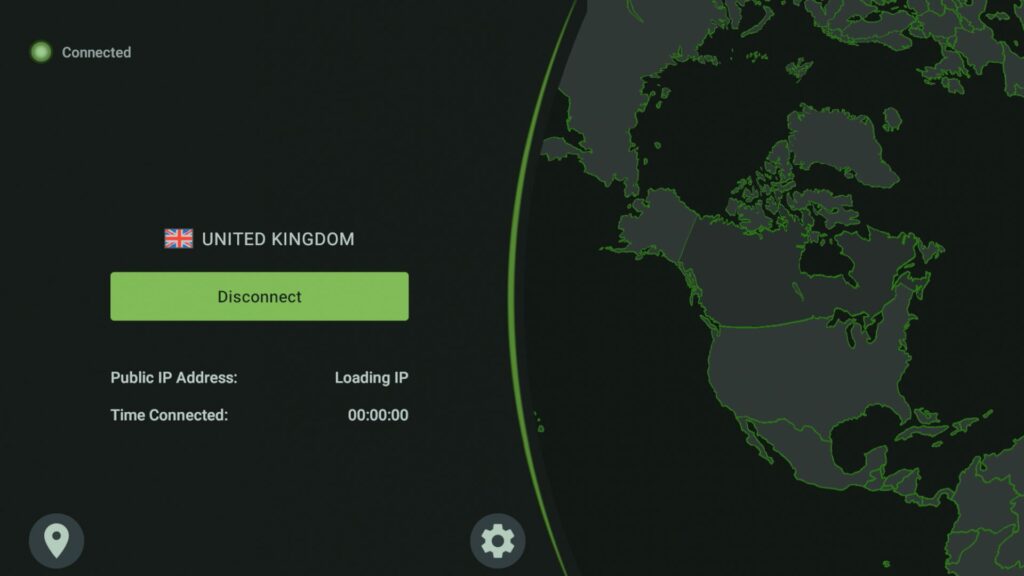
Even if Freevee is available for you, i suggest using IP vanish to get more content. If you are in the US, you can change your location to the UK, unlocking new shows, movies and Live channels.
Get our special discount here 75%+ off
Continue on to the next module to learn to install Freevee outside of the intended countries.
Follow our Downloader Guide
Before you continue, if you don’t know how to use downloader and get it ready for installs. Follow our downloader guide linked below.
After this continue to the next step.
Install Freevee TV APK
Now that you have downloader, Head to my Download section
Type code 773820 into the search bar. This will bring you directly to my download section
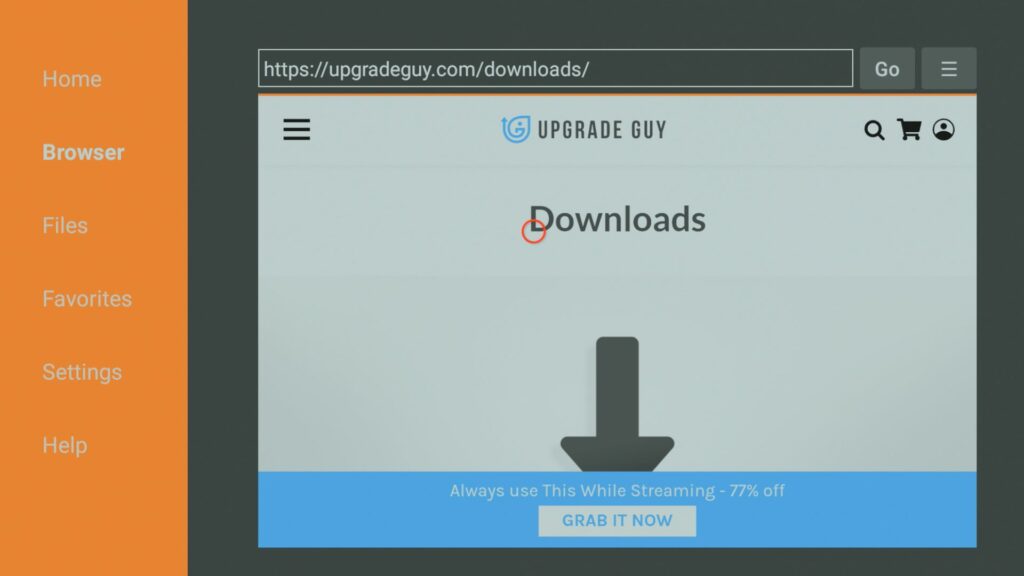
Scroll down and find the Freevee TV link – Click on it to get to the next page.
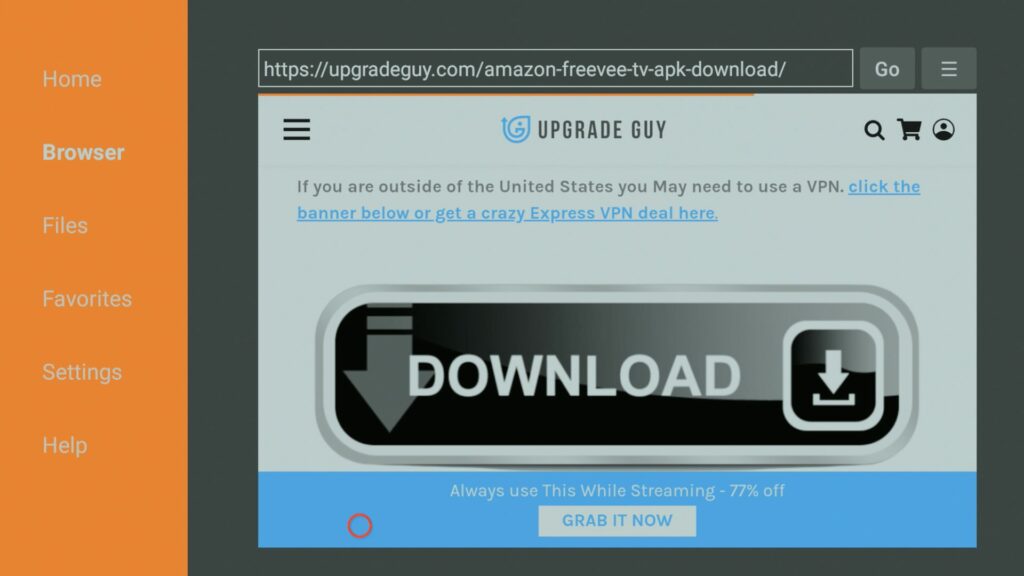
You will find a big download button pictured above. Clicking on this will start the install and get you freevee tv.
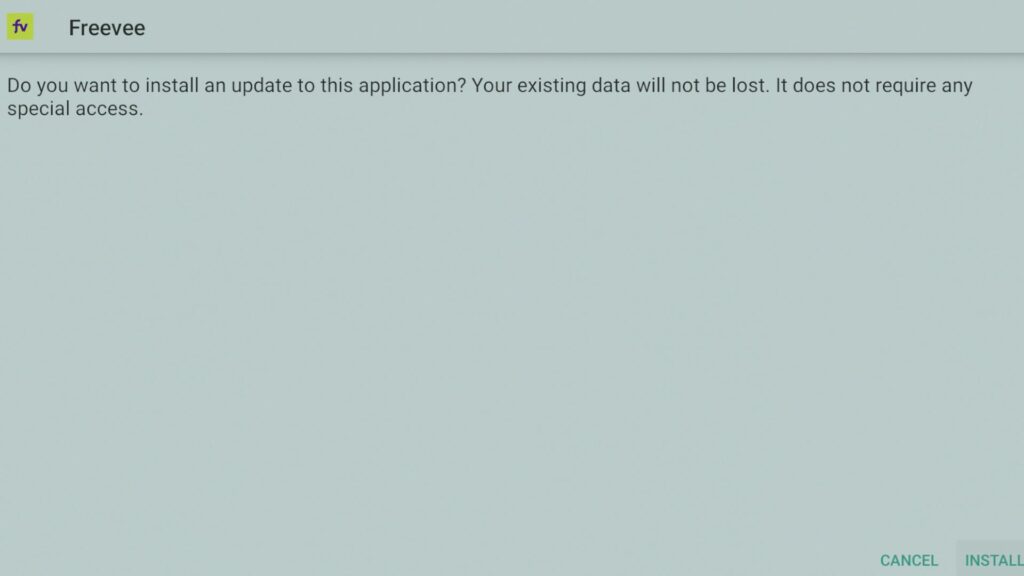
Head to the next page to get Freevee working in your country.
Changing your Online Location
Now we need to install IP vanish and set up our account.
head to this link – IP Vanish Discount Set up your account and move to the next step.
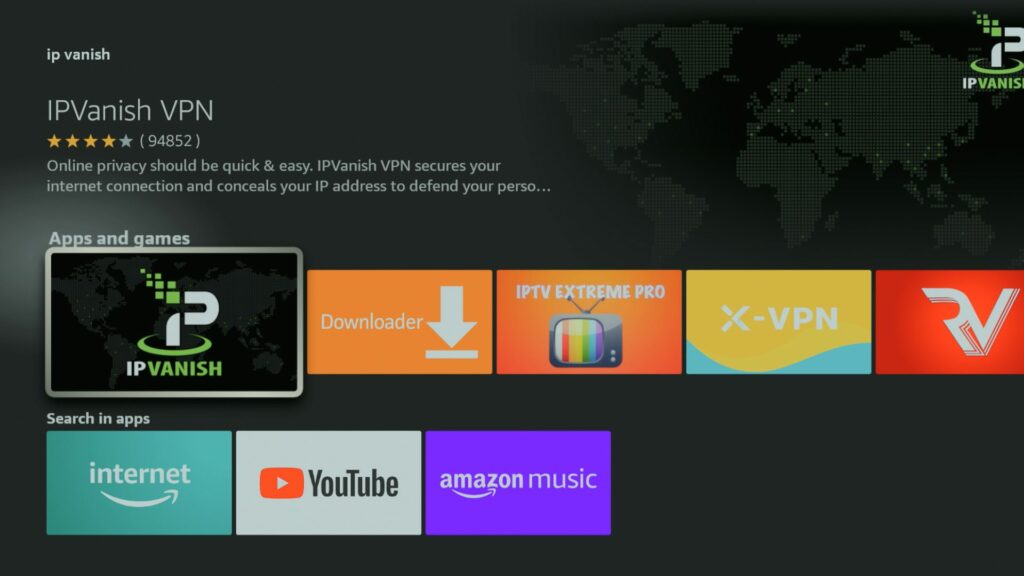
head to the app store and install IPVanish. Once installed sign into your account using your username and password.
Change your location to the Untied states, United Kingdom, Germany or Austria. You can do the by heading to the locations option in the bottom left.
Once done head over to Freevee TV, open and Enjoy!
Video Tutorial: How to install Freevee TV
If you prefer visual instructions, we always aim to include a video tutorial of how to do any of our modules.
Related

Jellyfin: The Free, Open-Source Alternative to Plex
Jellyfin does the same basic job as Plex — turning a personal…

SmartTube: How to Sideload the Ad-Free YouTube Client
SmartTube is a free, open-source alternative interface for watching YouTube on Android…

Vimu Player: A Lightweight Media Player for Fire TV
Vimu Player is a media player built specifically for Android TV and…